Email Segmentation: Strategies, Examples & Segments to Use
Learn how to segment email audiences by lifecycle, interests, behavior and customer context without creating unnecessary complexity.
What segmentation is for
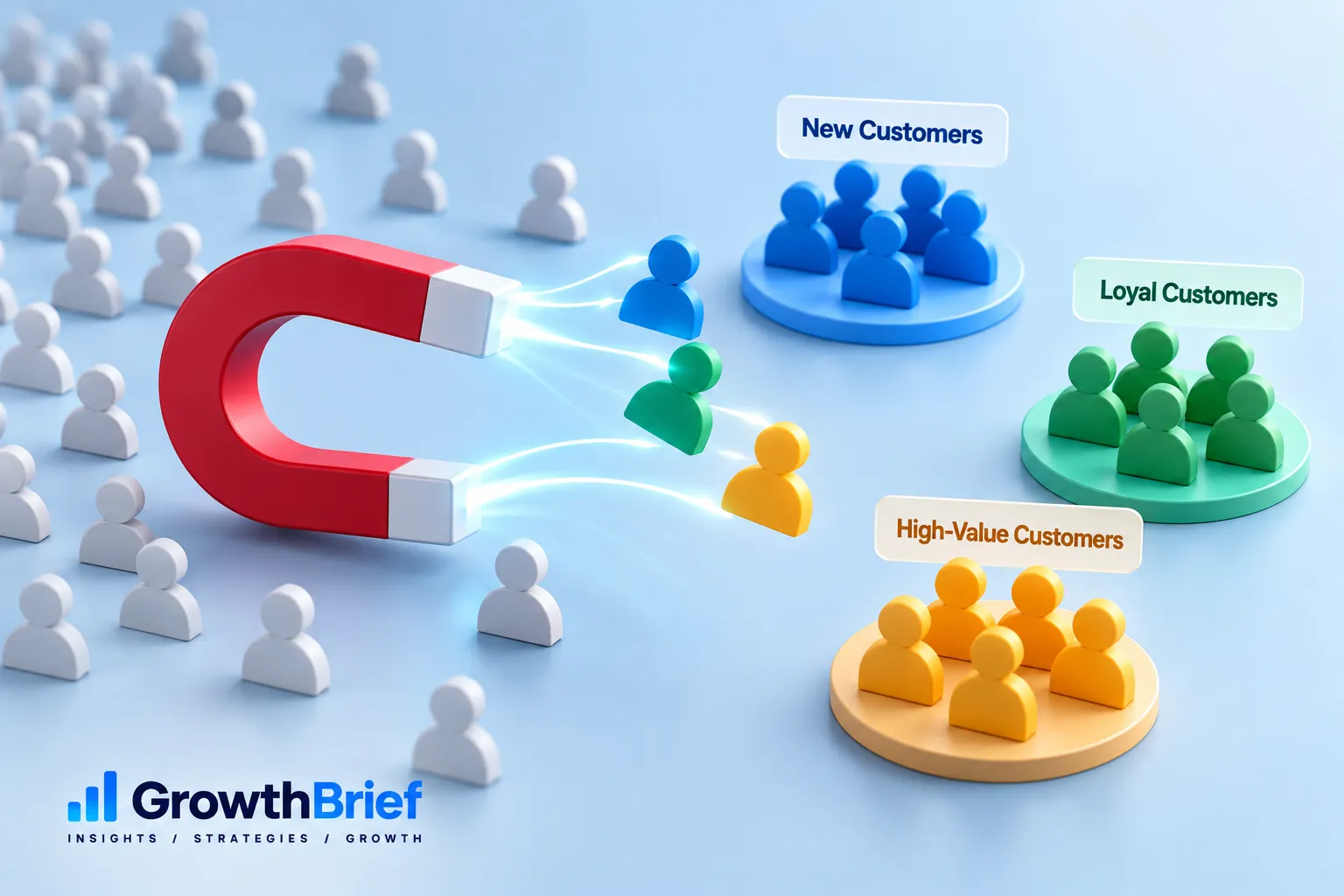
Segmentation groups contacts so the message, timing or journey can better fit their context. The objective is not the maximum number of segments; it is meaningful differences in communication.
If two groups receive the same proposition and content, they may not need separate campaigns.
Lifecycle segments
New subscriber, prospect, first-time customer, repeat customer, active user and inactive contact are common states. Lifecycle is useful because it reflects the relationship.
Define transitions explicitly so contacts do not remain in outdated states.
Interest and preference segments
Use declared topics, product interests or subscription preferences when they genuinely change what you send. Preference centers can let subscribers control this data.
Avoid inferring sensitive interests from weak behavior.
Behavioral segments
Clicks, purchases, product use and event attendance can provide context. Apply recency and frequency thresholds so one old action does not control communication indefinitely.
Brevo documents segments based on attributes and events that automatically update as contacts meet or stop meeting conditions.
Customer and purchase segments
Purchase category, frequency, account tier and customer status can support onboarding, service, loyalty and relevant cross-sell. Do not reduce every valuable customer segment to more promotions.
Retention communication can be as important as acquisition.
B2B segmentation
Role, industry, company size, account stage and product use can matter when they change the buying question or evidence needed.
Keep segments operationally maintainable and aligned with CRM definitions.

Avoid over-segmentation
Tiny segments increase production complexity and make testing less reliable. Start with broad meaningful differences and split only when evidence or customer need justifies it.
Document the purpose and owner of each persistent segment.
Measure segment usefulness
Compare downstream outcomes as well as engagement. Review whether each segment still represents a meaningful audience as data and products change.
Use segmentation inside the automation system when it changes workflow behavior.
Build Segments From Decisions
Start with the decision the segment will change: different content, timing, offer, workflow or suppression. Then identify the minimum reliable data needed to make that decision. This prevents a CRM from filling with dozens of clever filters nobody uses.
Segment Design Examples
| Decision | Possible segment | Action |
|---|---|---|
| Onboarding | New users who have not completed milestone A | Send targeted setup guidance |
| Retention | Customers with declining product activity | Offer relevant help, not generic promotion |
| Content | Subscribers who declared topic preference | Prioritize that topic |
| Promotion | Customers who already own product X | Exclude irrelevant acquisition offer |
| Re-engagement | Contacts meeting an inactivity definition | Enter win-back/sunset workflow |
Data Freshness Matters
Document whether each field is declared by the customer, imported, inferred from behavior, or synchronized from another system. Define how long behavioral evidence remains relevant. A click from two years ago should not necessarily control today’s personalization.
Segment QA
Before using a segment at scale, inspect sample contacts that should be included and excluded. Check AND/OR logic, date boundaries, timezones, null values and whether a contact can belong to conflicting segments. Brevo’s current model illustrates why this matters: segments update dynamically as contacts meet or stop meeting their conditions.
Frequently Asked Questions
What is the difference between a list and a segment?+
A list is commonly a stored collection of contacts; a segment is a group defined by conditions. Exact terminology varies by platform. Brevo, for example, treats segments as dynamic groups based on attributes/events.
How many segments should I create?+
Only as many as produce meaningful differences in messaging, timing or journeys and can be maintained reliably.
What are useful email segmentation examples?+
Useful examples include lifecycle stage, declared interests, customer status, purchase behavior, product usage, account stage and inactivity when those differences change the message.
How often should email segments be reviewed?+
Review persistent segments whenever data sources, products or lifecycle definitions change, and periodically confirm the segment still represents a meaningful audience.
Can a contact belong to more than one segment?+
Yes. Design precedence and suppression logic so overlapping membership does not create conflicting or excessive messages.