
EMAIL MARKETING SOFTWARE
Email Marketing Software: Choose the Right Platform for How You Actually Work
The best email marketing software is not the platform with the longest feature list. It is the one that fits your audience, workflows, automation needs, integrations, reporting requirements and budget without adding unnecessary complexity.

What Is Email Marketing Software?
Email marketing software is a platform used to manage subscribers, create and send campaigns, segment audiences, automate messages, track results and maintain the operational parts of an email program. The right platform depends on what your business needs to accomplish rather than a universal ranking of tools.
START WITH FIT
Software Should Fit the Marketing System, Not Define It
Buying software before defining the job often leads to paying for features that never become part of the workflow. Start with the audience, campaigns and journeys you need to support, then evaluate which platform handles those requirements with the least friction.
Audience fit
Consider list size, data structure, segmentation depth, consent management and how contacts enter or leave the system.
Workflow fit
Match campaign creation, approvals, automation, integrations and team access to the way marketing work is actually performed.
Growth fit
Understand what happens to cost and complexity as contacts, sends, automations, users and data requirements increase.
THE SELECTION FRAMEWORK
Evaluate Email Marketing Software Across 6 Decision Areas
A useful comparison goes beyond feature checklists. Evaluate whether each platform can support the data, journeys and operating model behind your email program.
1. Audience management
Look at contact organization, custom fields, tags, groups, suppression handling and how easily the system represents your audience.
2. Segmentation
Check whether you can build the segments your strategy requires using profile data, engagement, behavior, purchases or other connected data.
3. Campaign creation
Assess editing, templates, testing, personalization, scheduling and how efficiently the team can move from idea to send.
4. Automation
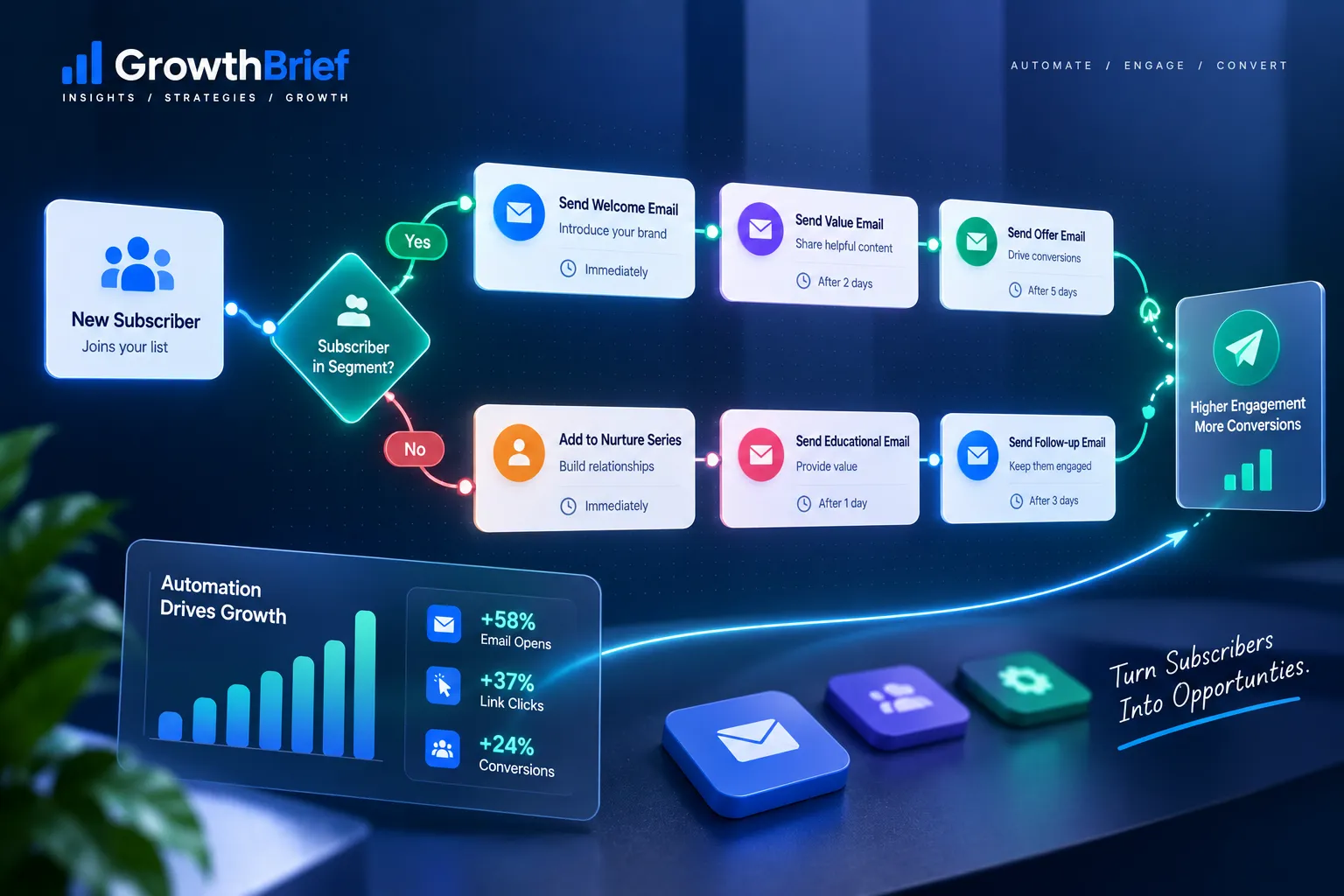
Evaluate triggers, conditions, branching, delays, lifecycle journeys and whether automation logic can grow with your use cases.
5. Integrations & data
Identify the systems that must exchange data with email, including ecommerce, CRM, forms, websites, analytics and internal tools.
6. Reporting & operations
Consider reporting depth, exports, permissions, collaboration, support and how easily the platform helps the team diagnose performance.
BEFORE YOU COMPARE
Write the Requirements Before You Open the Pricing Pages
A short requirements list prevents attractive features from taking over the decision. Separate what the platform must do now from capabilities that may matter later.
Define your non-negotiables
- Approximate contact count and sending frequency
- Campaign types you regularly send
- Segments you need to create and maintain
- Automations that must run reliably
- Critical integrations and data sources
- Number of users and approval needs
- Reporting needed to make decisions
PRICING & VALUE
Compare the Cost Model, Not Just the Starting Price
Email software pricing can change as the database, sending volume, user count or required feature tier grows. A low entry price is not automatically the lowest long-term cost.
Ask what drives the bill
- Stored or marketable contacts
- Monthly or annual sending volume
- Feature or automation tier
- Additional users or seats
- Transactional email or other channels
Ask what creates value
- Time saved building recurring workflows
- Better targeting through usable segmentation
- Fewer manual data transfers
- Reporting the team can actually act on
- Less operational friction as the program grows
Always confirm current pricing and plan limits on the provider’s own website before purchasing because plans, allowances and packaging can change.
PLATFORM LANDSCAPE
Four Platforms Worth Comparing by Use Case
These platforms are not interchangeable, and GrowthBrief does not treat one tool as the automatic winner. Use the selection framework above to decide which deserves a deeper evaluation for your situation.
Brevo
Evaluate Brevo when you want to examine email marketing alongside automation and a broader set of customer communication capabilities. Review the exact plan and feature limits against your requirements.
MailerLite
Include MailerLite in your research when ease of use, campaign creation and a relatively straightforward operating experience are important to your shortlist.
Mailchimp
Consider Mailchimp when audience management, segmentation, campaign tools and connected marketing workflows match the data and use cases you need to support.
ActiveCampaign
Evaluate ActiveCampaign when automation depth, lifecycle workflows and connected customer data are central to how you plan to use email.
Platform capabilities and plan availability change over time. Treat these as evaluation starting points, not permanent product claims.
CHOOSE BY USE CASE
Start With the Job the Platform Needs to Do
Small business email
Prioritize ease of use, reliable campaign creation, basic segmentation, useful templates and a cost model that remains understandable as the list grows.
Ecommerce
Look closely at store integrations, purchase data, behavioral segmentation, product-driven workflows and the automation journeys your store actually needs.
Content & newsletters
Focus on publishing workflow, subscriber organization, forms, templates, scheduling and reporting that helps you understand reader engagement.
Lifecycle & automation
Prioritize triggers, branching, conditions, CRM or product data, journey visibility and the ability to maintain workflows as they become more complex.
DECISION SUPPORT
Score the Shortlist Against Your Requirements
Once you have two or three serious candidates, use the same criteria for each. A simple scorecard makes trade-offs visible and reduces the chance that one impressive demo feature dominates the decision.
| Decision area | Questions to ask | Priority |
|---|---|---|
| Audience | Can it represent and segment the contacts we actually have? | Must / Should / Could |
| Campaigns | Can the team create, test and approve sends efficiently? | Must / Should / Could |
| Automation | Can it build the journeys we need now and next? | Must / Should / Could |
| Integrations | Does it connect reliably to the systems that matter? | Must / Should / Could |
| Reporting | Can we get the information required to make decisions? | Must / Should / Could |
| Cost | What happens to price as our usage grows? | Must / Should / Could |
A Simple Software Selection Roadmap
Define
Document your audience, campaigns, automations, integrations, reporting needs and budget boundaries.
Shortlist
Remove tools that fail non-negotiables, then compare the strongest candidates using the same scorecard.
Validate
Test the critical workflow, confirm current pricing and limits, then choose based on operational fit rather than hype.
QUICK ANSWERS
Email Marketing Software FAQs
What is the best email marketing software?
There is no single best platform for every business. The strongest choice is the one that meets your required audience, campaign, automation, integration and reporting needs at an acceptable cost and complexity.
What features should email marketing software have?
Most businesses should evaluate subscriber management, segmentation, campaign creation, automation, reporting, consent controls and integrations. The depth required in each area depends on the use case.
Is free email marketing software enough?
A free plan may be enough for a small or early-stage program if its contact, sending and feature limits match your needs. Check what changes when the list or workflow grows before committing to the platform.
Should I switch email platforms for better deliverability?
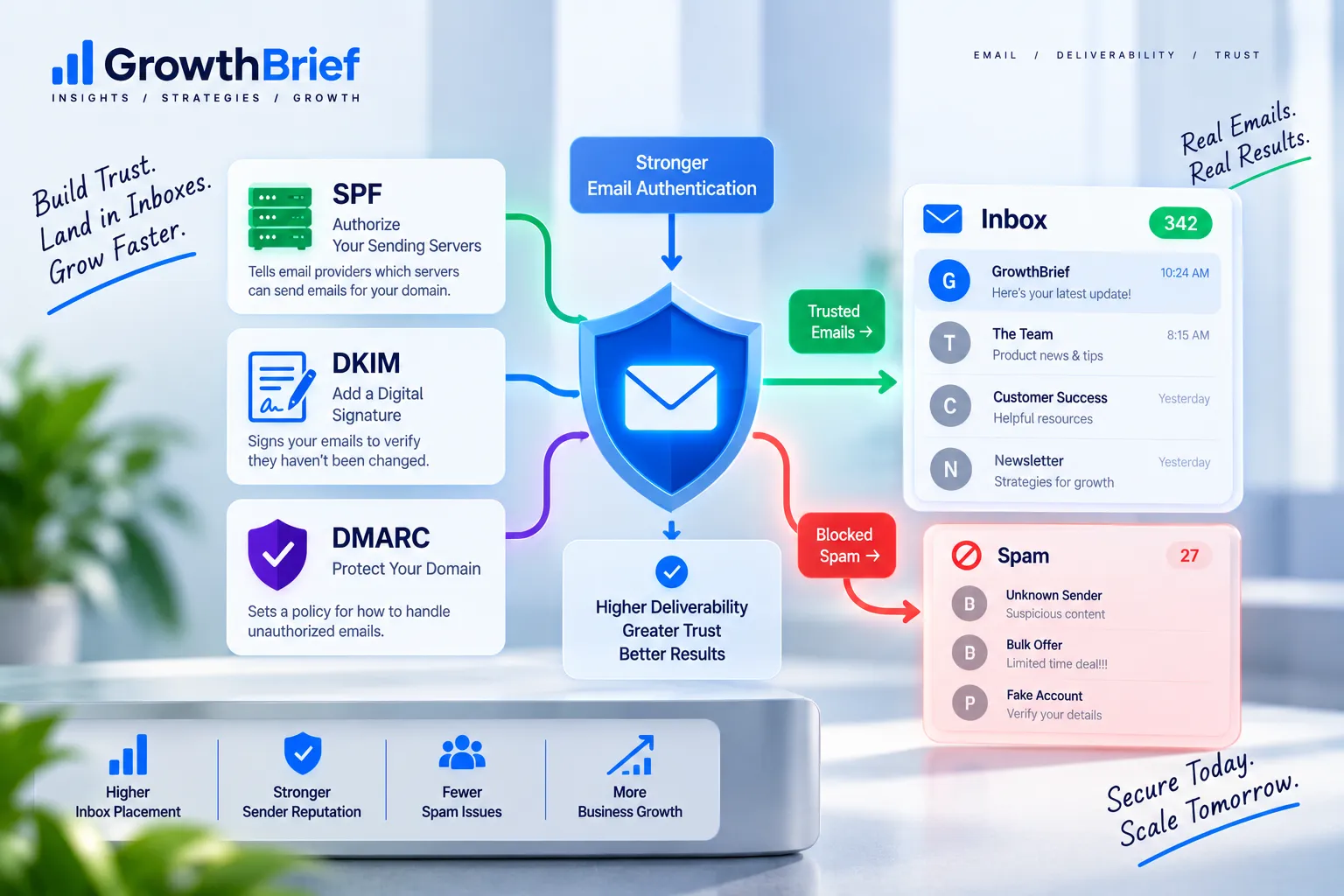
Not automatically. Deliverability is influenced by authentication, reputation, permission, list quality, sending behavior and recipient response as well as infrastructure. Diagnose the cause before treating migration as the solution.
When should a business change email marketing software?
Consider a change when important workflows cannot be supported reliably, costs no longer make sense for the value received, critical integrations are missing, or operational friction is consistently limiting the program.
Choose the System First. Then Choose the Software.
Understand what your email program needs to do, compare platforms against those requirements, and make the decision with fewer assumptions.