Email Deliverability Best Practices: A Practical Checklist
Email deliverability best practices combine technical authentication with responsible audience acquisition, predictable sending and ongoing monitoring. No single tactic guarantees inbox placement; the goal is to remove preventable reasons for filtering or rejection.
1. Authenticate every sending domain
Configure SPF and DKIM correctly and publish DMARC. Gmail requires SPF or DKIM for all senders to personal Gmail accounts; senders above its bulk threshold must use SPF, DKIM and DMARC. Yahoo similarly requires SPF or DKIM for all senders and both SPF and DKIM plus DMARC for bulk senders. See SPF vs DKIM vs DMARC.
2. Verify DNS and transport basics
Gmail requires valid forward and reverse DNS for sending domains/IPs and TLS for transmission. Yahoo also requires valid forward and reverse DNS. If you operate dedicated infrastructure, treat PTR/rDNS and server configuration as deliverability fundamentals rather than optional optimizations.
3. Send only expected email
Permission and expectation matter. Avoid purchased lists and unclear opt-ins. Tell subscribers what they will receive and roughly how often. Yahoo specifically advises against purchased lists and pre-checked opt-in boxes.
4. Keep lists clean
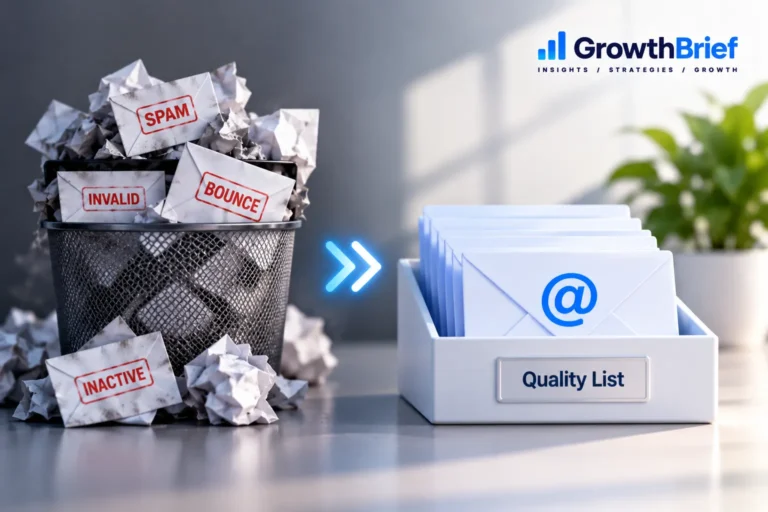
Monitor hard and soft bounces, suppress invalid addresses and review inactive populations. Our Email List Hygiene guide and Bounce Rate guide cover this in detail.
5. Make unsubscribing easy
For Gmail bulk senders, marketing and subscribed messages must support one-click unsubscribe and include a visible body link. Google recommends honoring one-click requests within 48 hours. Yahoo requires easy unsubscribe for bulk marketing/subscribed messages and says requests should be honored within two days.
6. Control spam complaints
Gmail recommends keeping its Postmaster Tools spam rate below 0.1% and preventing it from reaching 0.3% or higher. Yahoo requires bulk senders to stay below 0.3%. Investigate complaints by source and campaign rather than treating the threshold as a target. See Email Spam Rate.
7. Increase volume carefully
Large sudden changes can create delivery problems. If sending identity or volume is new, use a controlled ramp and monitor provider responses. Our Email Warm-Up guide explains when this is relevant.
8. Separate different mail streams when appropriate
Promotional, transactional and account-notification mail serve different purposes. Yahoo recommends segregating email types by IP or DKIM domain, while Google advises consistent From addresses for messages of the same category and different IPs when multiple IPs are necessary.
9. Monitor reputation and provider diagnostics
Use provider tools and ESP data to watch authentication, delivery errors, bounces and complaints. For Gmail traffic, Postmaster Tools can provide compliance and reputation diagnostics when sufficient data exists. See Email Sender Reputation.
10. Diagnose instead of chasing “spam words”
Deliverability is a system. If results deteriorate, determine which provider, audience, traffic stream and time period changed before rewriting random words in the email.
Pre-send checklist
- SPF/DKIM/DMARC configured for the sending setup
- Valid DNS and secure transport
- Permission-based audience
- Suppression and unsubscribe functioning
- Expected volume and cadence
- Clear sender identity
- Monitoring ready for bounces and complaints
Frequently Asked Questions
Does authentication guarantee inbox placement?
No. Authentication is foundational, but reputation, recipient feedback, list quality and other filtering signals still matter.
Do all senders need DMARC for Gmail?
Google’s current requirement is SPF or DKIM for all senders; senders at the Gmail bulk threshold must use SPF, DKIM and DMARC.
Is deliverability the same as delivery?
No. Delivery indicates acceptance by the receiving server; deliverability concerns where accepted mail ultimately reaches. See our full comparison.