
Email Marketing Platform Features: What Actually Matters Before You Buy
Email marketing platforms often advertise dozens or hundreds of features, but only a smaller group usually determines whether the software will work well for your business. The most important features are the ones that support your actual sending, data, automation, reporting, and operational requirements.
This guide explains what to evaluate before you buy so you can separate essential capabilities from attractive extras.
1. Contact Management and Data Structure
Every campaign depends on how contacts are stored. Look at custom fields, tags, lists, lifecycle stages, preferences, suppression status, and whether one contact can be represented cleanly across different use cases.
A weak data model creates workarounds everywhere else.
2. Segmentation
The platform should let you create audiences using the data that matters to your communication: lifecycle, behavior, source, purchase history, interests, engagement, location, or other reliable attributes.
More filters are not automatically better. Use our segmentation framework to identify the rules that would actually change what you send.
3. Campaign Editor
Evaluate both visual and plain-text workflows. Can your team create a campaign efficiently, reuse components, preview mobile layouts, test links, manage branding, and make last-minute corrections without breaking the design?
Editor quality affects everyday productivity more than many advanced features that are used only occasionally.

4. Automation Builder
Look beyond “automation included.” Check the available triggers, conditions, delays, branches, goals, exit rules, event data, and actions.
If you only need a welcome series, a simple builder may be enough. If your strategy depends on product events and lifecycle logic, deeper automation may be essential. See how email automation works.
5. Forms and Subscriber Capture
Built-in forms can simplify signup, preference collection, and list routing. Evaluate field flexibility, consent options, hidden fields, source tracking, styling, embedding, confirmation flows, and integration with your website.
6. Templates and Reusable Components
Templates save time when they reflect your real campaign types. Reusable sections, brand settings, and content blocks can be more valuable than a large gallery of decorative templates you will never use.
7. Testing and Preview Tools
Useful pre-send controls can include test emails, mobile previews, subject-line testing, link checking, sender validation, and recipient checks. These reduce avoidable mistakes before a campaign reaches thousands of people.
8. Reporting and Analytics
At minimum, you need clear visibility into delivery, bounces, clicks, unsubscribes, and complaints. Depending on your goals, you may also need conversion tracking, revenue, automation performance, cohort analysis, or exportable event data.
Read our email marketing metrics guide before deciding which reports actually matter.

9. Deliverability and Authentication Controls
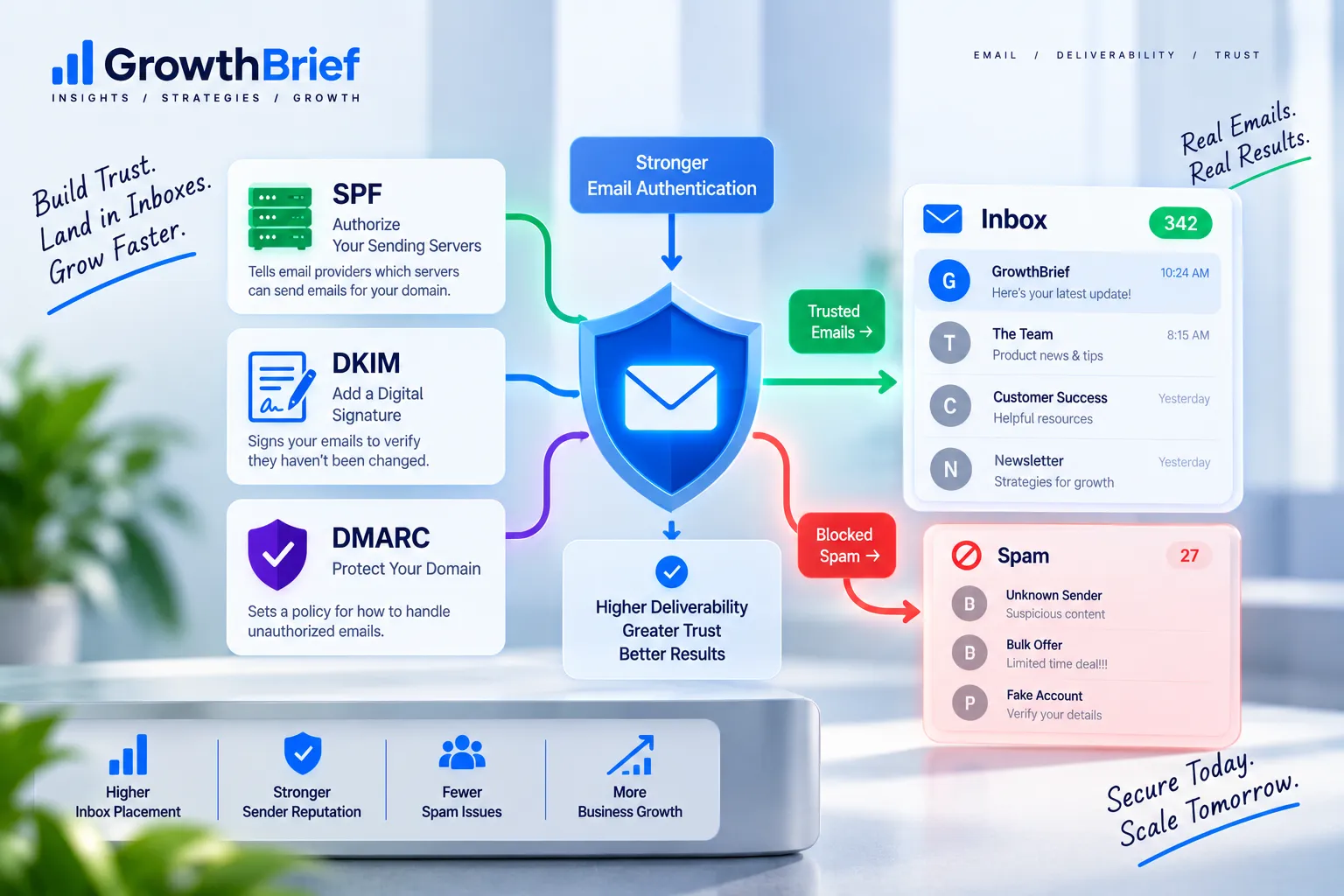
Check whether the platform supports authenticated sending domains, clear DNS setup instructions, suppression management, bounce classifications, complaint handling, and useful diagnostics.
These features support good sending practice, but no platform can guarantee inbox placement. See our SPF, DKIM and DMARC guide for the authentication basics.
10. Transactional Email
If you need receipts, confirmations, password resets, account alerts, or other operational mail, evaluate API and SMTP options, logs, webhooks, templates, retry behavior, and separation between transactional and marketing traffic.
Some businesses prefer one platform for both. Others keep transactional infrastructure separate.
11. Integrations and API Access
Check how the platform connects with your website, ecommerce system, CRM, analytics, payment tools, support software, and internal data.
An open API, webhooks, documentation, and reliable native integrations can matter more than another built-in landing-page template if your business depends on data movement.
12. User Roles and Team Workflow
For teams, evaluate permissions, approval processes, shared assets, workspaces, comments, audit history, and account security. A solo creator may not need these, but they become important as more people touch campaigns.
13. Consent, Preferences, and Suppression
The platform should help you honor unsubscribes and communication preferences. Depending on your market, you may also need consent records, preference centers, multiple subscription types, and regional controls.
14. Import, Export, and Portability
Before you buy, confirm how easily you can import existing contacts and export your contacts, fields, suppression data, and reports later. Portability reduces switching risk and keeps your data from becoming unnecessarily trapped.
15. Pricing Controls
Understand what drives your bill. Is pricing based on contacts, active contacts, sends, users, features, automation, or add-ons?
A platform can appear affordable until your list grows or you need one capability locked behind a much higher tier. Our guide on how to choose email marketing software explains how to model total fit rather than starting price.
Features That Are Nice to Have, Not Always Essential
AI writing assistants, stock-image libraries, social posting, built-in CRM, SMS, chat, landing pages, surveys, and advanced personalization can be useful, but only when they support your workflow.
Do not let a long feature table hide weaknesses in the few capabilities you will use every week.
A Pre-Purchase Feature Checklist
- Can the platform represent our contact data cleanly?
- Can we create the segments we actually need?
- Can we build our required automations?
- Can the team create and QA campaigns efficiently?
- Are authentication and suppression controls adequate?
- Can it integrate with our essential systems?
- Does reporting answer our business questions?
- Can we export our data?
- What will it cost at our expected future scale?
Choose Fit Over Feature Count
A platform with 200 features is not automatically better than one with 50. The better product is the one that supports your important workflows reliably, keeps your data understandable, and remains workable as your program grows.
Use the GrowthBrief software hub to continue comparing platforms by practical fit rather than hype.
Feature Priority Matrix
| Priority | Examples | Decision rule |
|---|---|---|
| Essential | Contact model, sending, segmentation, unsubscribe handling | Reject the platform if a core requirement is missing |
| Important | Automation depth, reporting, integrations, roles | Score based on real workflow impact |
| Optional | AI helpers, stock libraries, extra channels | Treat as a bonus, not the reason to buy |
Three Questions to Ask Before Paying for a Higher Tier
- Which specific workflow becomes possible only on the higher tier?
- How often will the team actually use that capability?
- Is there a simpler integration or process that solves the same requirement?
If the upgrade cannot be tied to a recurring business need, it may be premature.
Frequently Asked Questions
Which email marketing features are essential for beginners?+
Contact management, campaign creation, basic segmentation, simple automation, forms, unsubscribe handling, deliverability setup, and understandable reporting cover most beginner needs.
Do I need a built-in CRM?+
Only if your workflow benefits from keeping sales and marketing contact activity in the same platform. Many businesses integrate a separate CRM instead.
Are AI features important when choosing a platform?+
They can save time, but they should not outweigh fundamentals such as data structure, deliverability controls, automation, integrations, reporting, and usability.
Should transactional email be in the same platform?+
It can be convenient, but reliability, API capabilities, logging, and infrastructure needs may justify a separate transactional service.
What feature is most often overlooked?+
Data portability is easy to ignore during purchase. Being able to export contacts, suppression data, fields, and reports can become very important later.
